> For the complete documentation index, see [llms.txt](https://docs.theseus.us/llms.txt). Markdown versions of documentation pages are available by appending `.md` to page URLs; this page is available as [Markdown](https://docs.theseus.us/vozilla-gcs-software/mavlink.md).
# MAVLink
MAVLink is a standardized protocol used frequently with drones. It works with many different flight controllers, programming languages, and links. Visit the [MAVLink docs](https://mavlink.io/en/about/overview.html) to learn more.
We use a program called MAVLink Router to implement MAVLink protocol across our systems. It allows us to route MAV messages within our system and to ArduPilot and the GCS. Visit the [MAVLink Router](https://deepwiki.com/mavlink-router/mavlink-router) docs to learn more.
Below is a diagram of how MAVLinkn is implemented on a UAV equipped with Cyclops.
There are two ways to connect to your system over MAVLink:
1. **Connect to the edge device (for debug)**
* Devices running Theseus software route MAV packets through MAVLink Router
* MAVLink Router exposes a UDP server (1) on port `14599` that you can connect to with `udpout`
* i.e: `udpout:192.168.218.100:14599`
* The flight controller, Cyclops service, and GCS are all endpoints to which MAVLink Router streams data
* Use this path when you have an IP link to the device (i.e. wired over Ethernet or IP radio)
2. **Direct connect to the flight controller**
1. Use this connection method while the drone is in flight and connected over a telemetry radio
2. If using ArduPilot, status text messages from Cyclops are routed from the edge device through the flight controller to your ground station
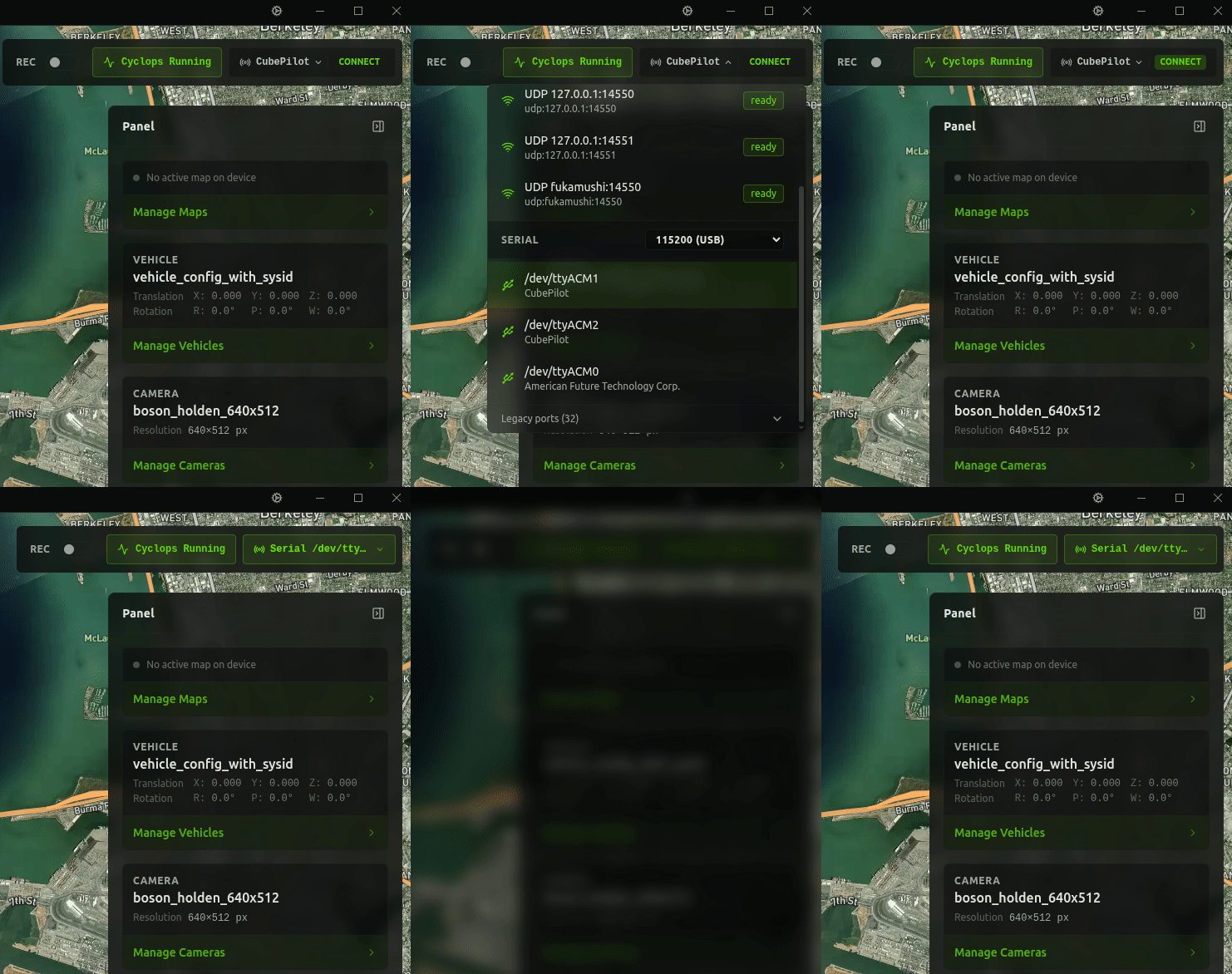
### Connecting on Vozilla
Use the dropdown menu in the top right corner of Vozilla to select a connection profile. However you connect to your flight controller normally is what you should use. You can also add output ports in order to simultaneously connect to other applications such as Mission Planner.