> For the complete documentation index, see [llms.txt](https://docs.theseus.us/llms.txt). Markdown versions of documentation pages are available by appending `.md` to page URLs; this page is available as [Markdown](https://docs.theseus.us/vozilla-gcs-software/vozilla-app/camera/creating-a-new-calibration.md).
# Creating a new calibration
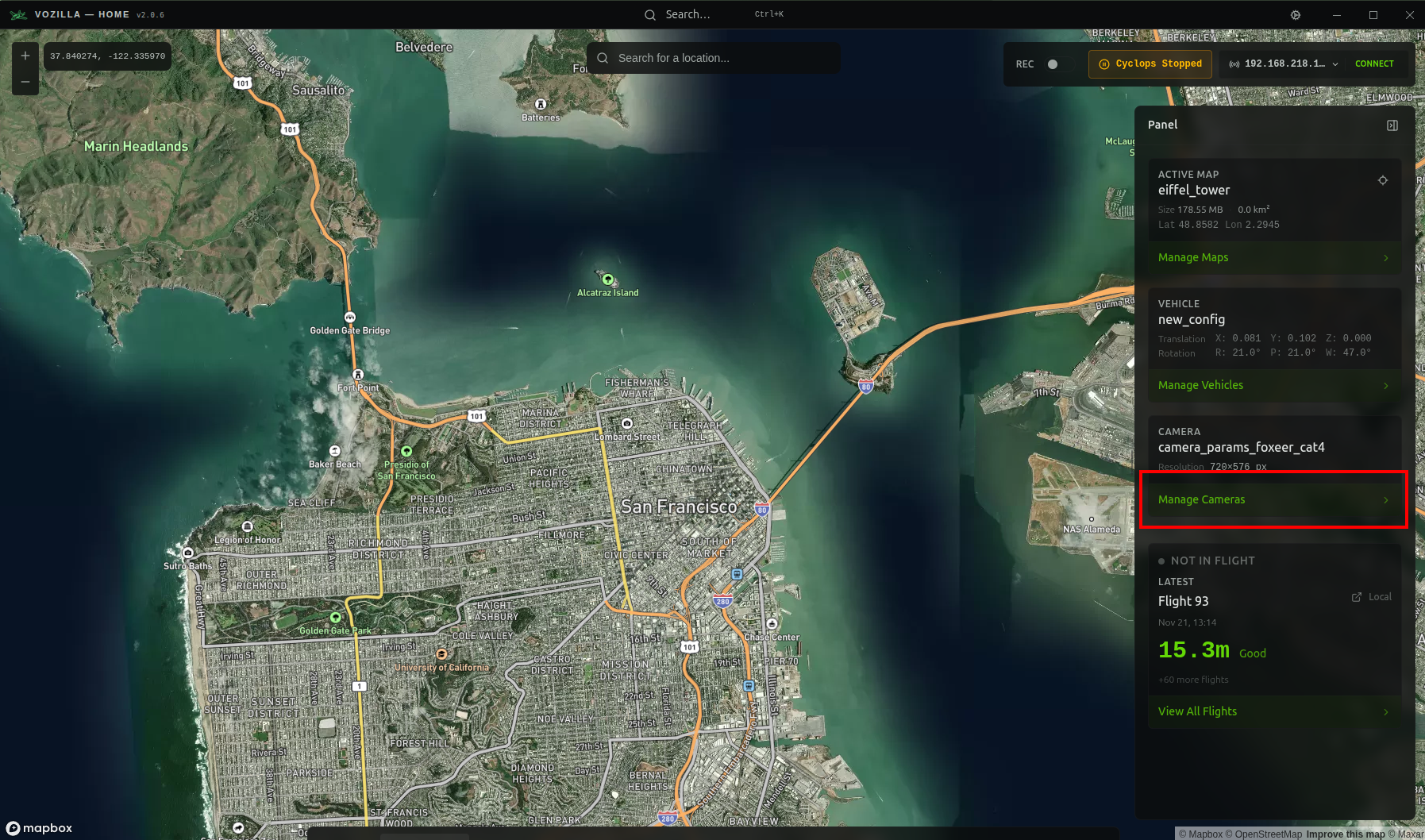
Camera calibrations are required for Cyclops to function nominally. To calibrate your camera in Vozilla, click **Manage Cameras** on the navigation panel.
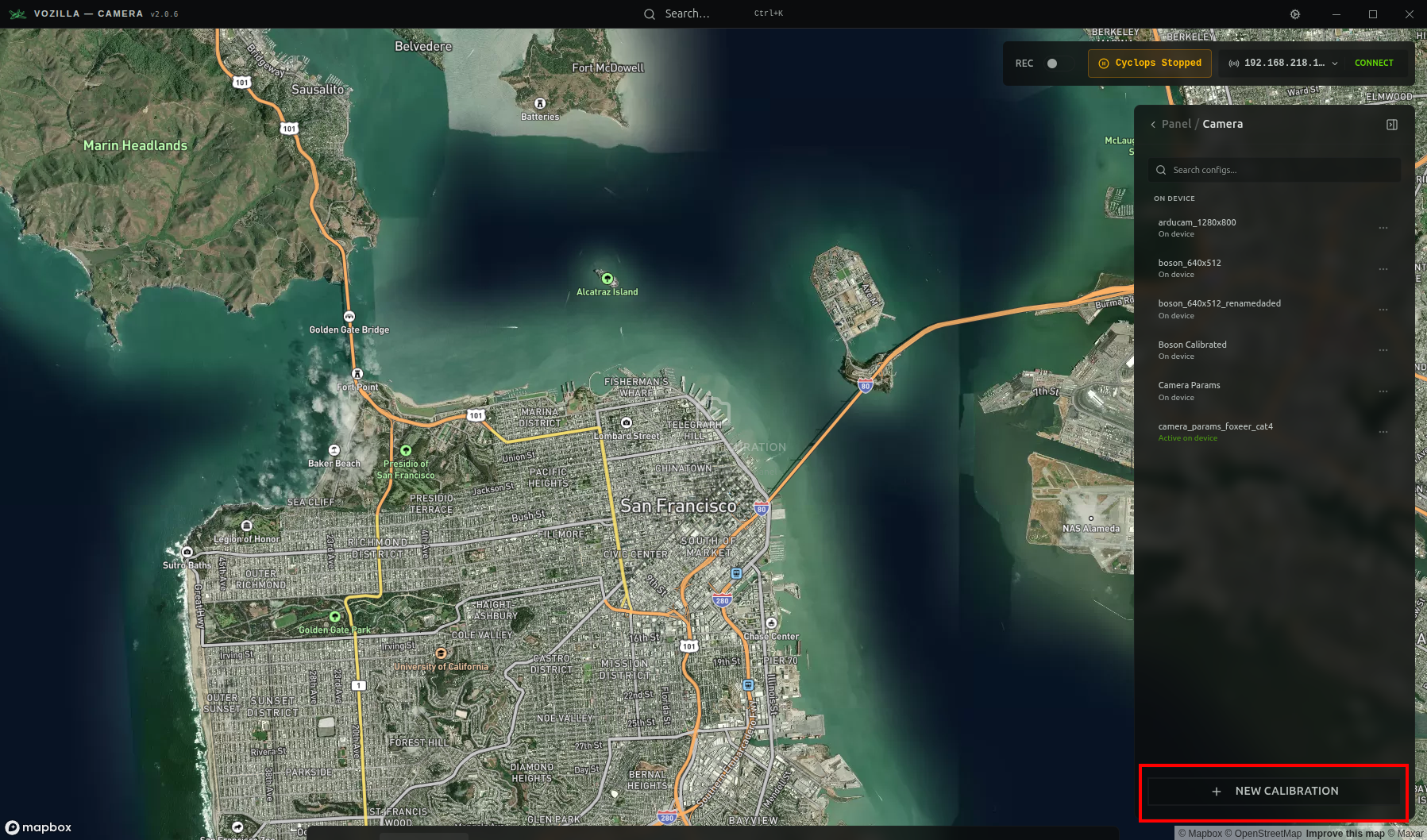
Then click the **+ NEW CALIBRATION** button at the bottom of the panel. This will open the camera calibration tool.
From here, refer to the instructions outlined in the [Camera calibration](/vozilla-gcs-software/vozilla-app/camera/camera-calibration.md) docs.
{% hint style="info" %}
If a Cyclops system is connected to Vozilla, creating a new camera calibration will automatically upload it and set it as active on the edge device. Otherwise, it will be saved locally.
{% endhint %}