> For the complete documentation index, see [llms.txt](https://docs.theseus.us/llms.txt). Markdown versions of documentation pages are available by appending `.md` to page URLs; this page is available as [Markdown](https://docs.theseus.us/vozilla-gcs-software/vozilla-app/lockdown-mode.md).
# Lockdown mode
Lockdown mode adds a layer of security to Cyclops by enabling encryption of all SDK logs and sensor data, as well as displacing home position information to a volatile disk partition such that any reboot would cause the data to be erased.
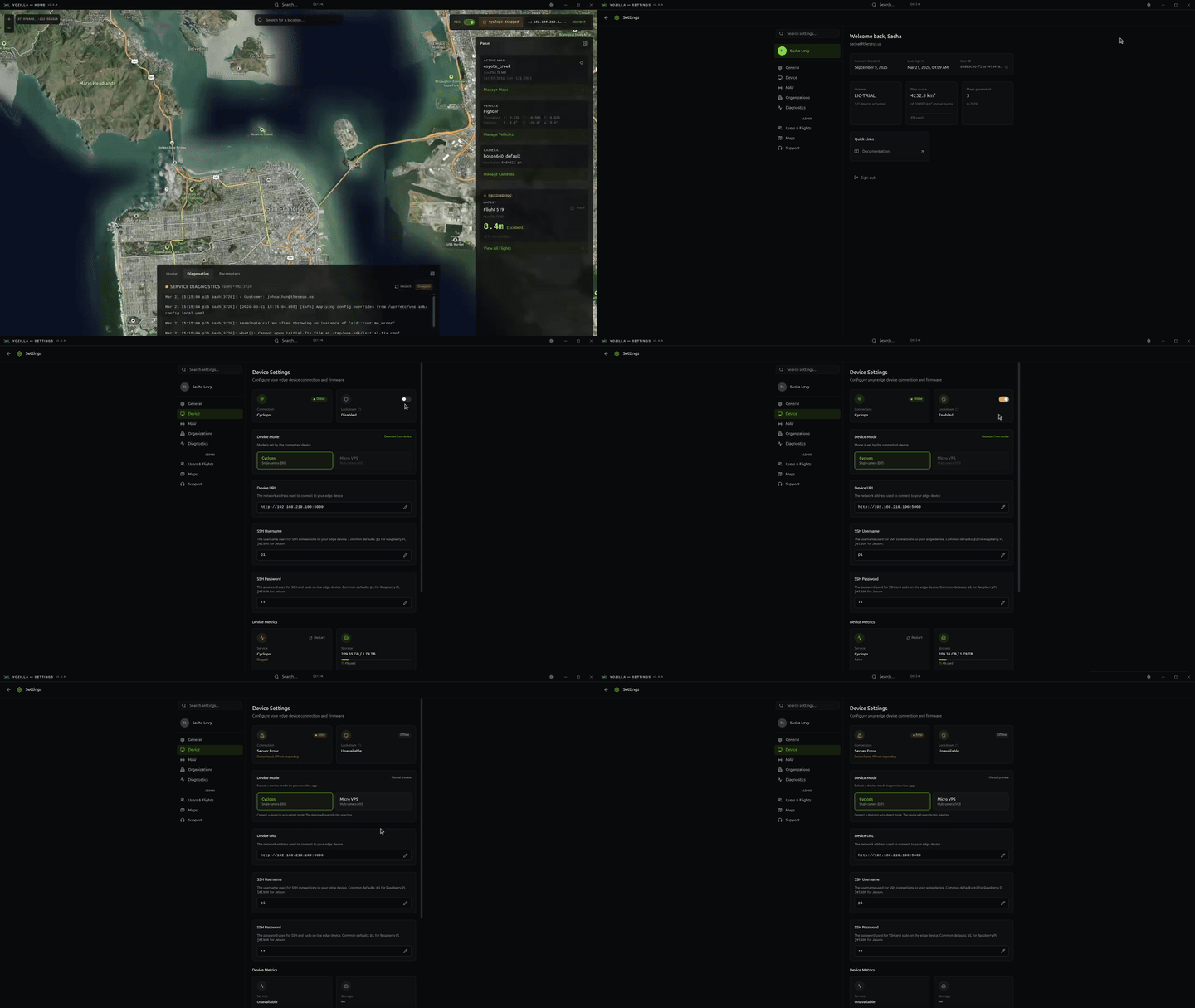
To activate lockdown mode in Vozilla, navigate to *Settings>Device* and toggle "*Lockdown":*
After activation, your device will automatically reboot. **SDK logs and sensor data for all new sessions will now be encrypted.** Vozilla API and journal logs remain in plaintext; however, we do not log any sensitive information over these channels in lockdown mode (e.g., home position, coordinates, etc.).
{% hint style="info" %}
You must reset the home position after each reboot while lockdown mode is active
{% endhint %}
{% hint style="warning" %}
Lockdown mode encrypts SDK logs and sensor data. It does not encrypt raw map data.
{% endhint %}
## Audit your device
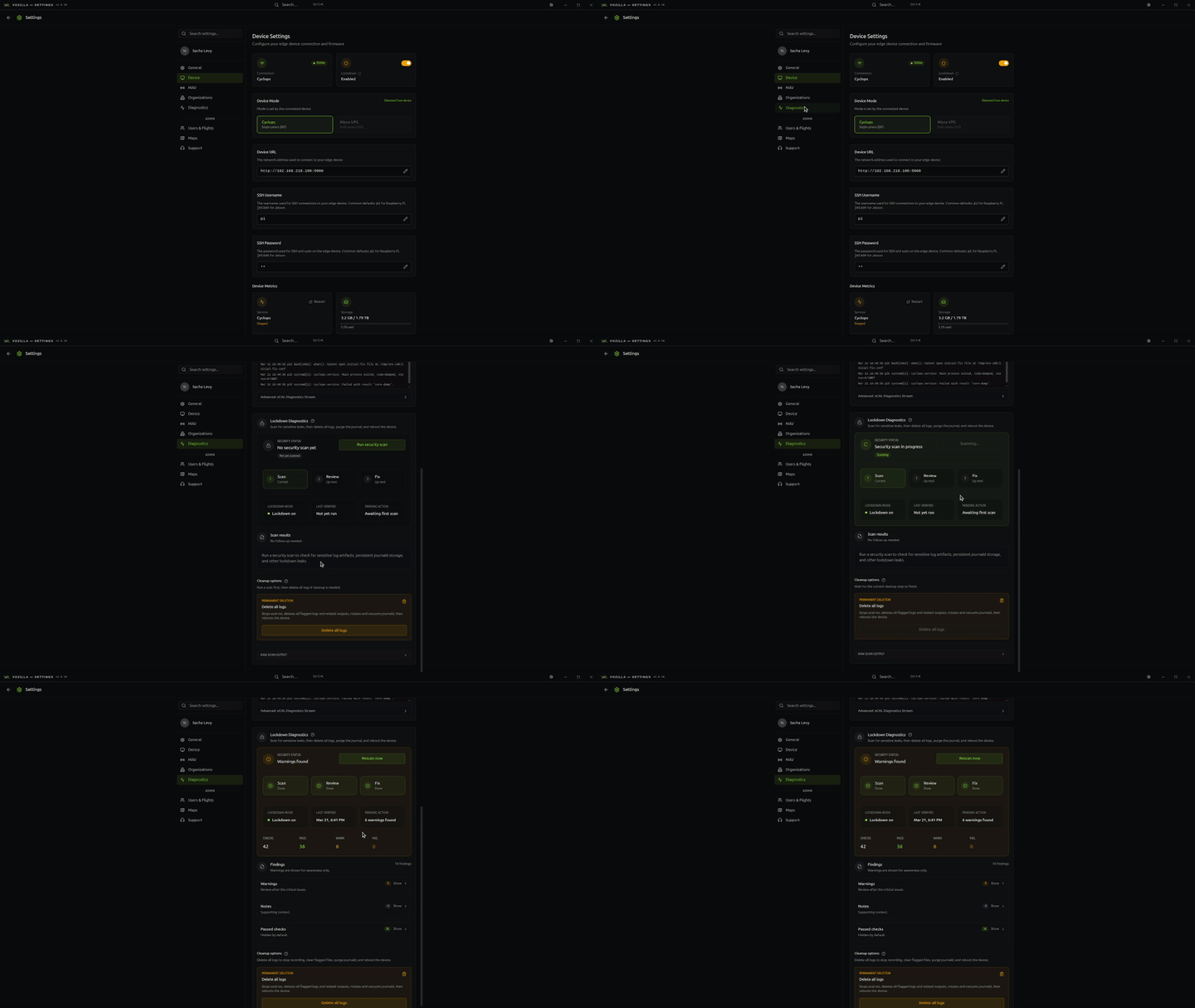
When lockdown mode is active, you can run a security audit by navigating to *Settings>Diagnostics>Run security audit.* This will determine if your device contains logs that expose sensitive information in plain text.
The security audit checks key log locations on your device for plain text log files and common sensitive information patterns, including:
* `journald` logs
* Vozilla API logs
* Cyclops logs
* Sensor recordings
If you see reported failures, make sure to address them in order to remove any sensitive information from your device.
{% hint style="warning" %}
Activating lockdown mode does not delete previous logs or recordings on your device.
{% endhint %}
## Delete offending logs
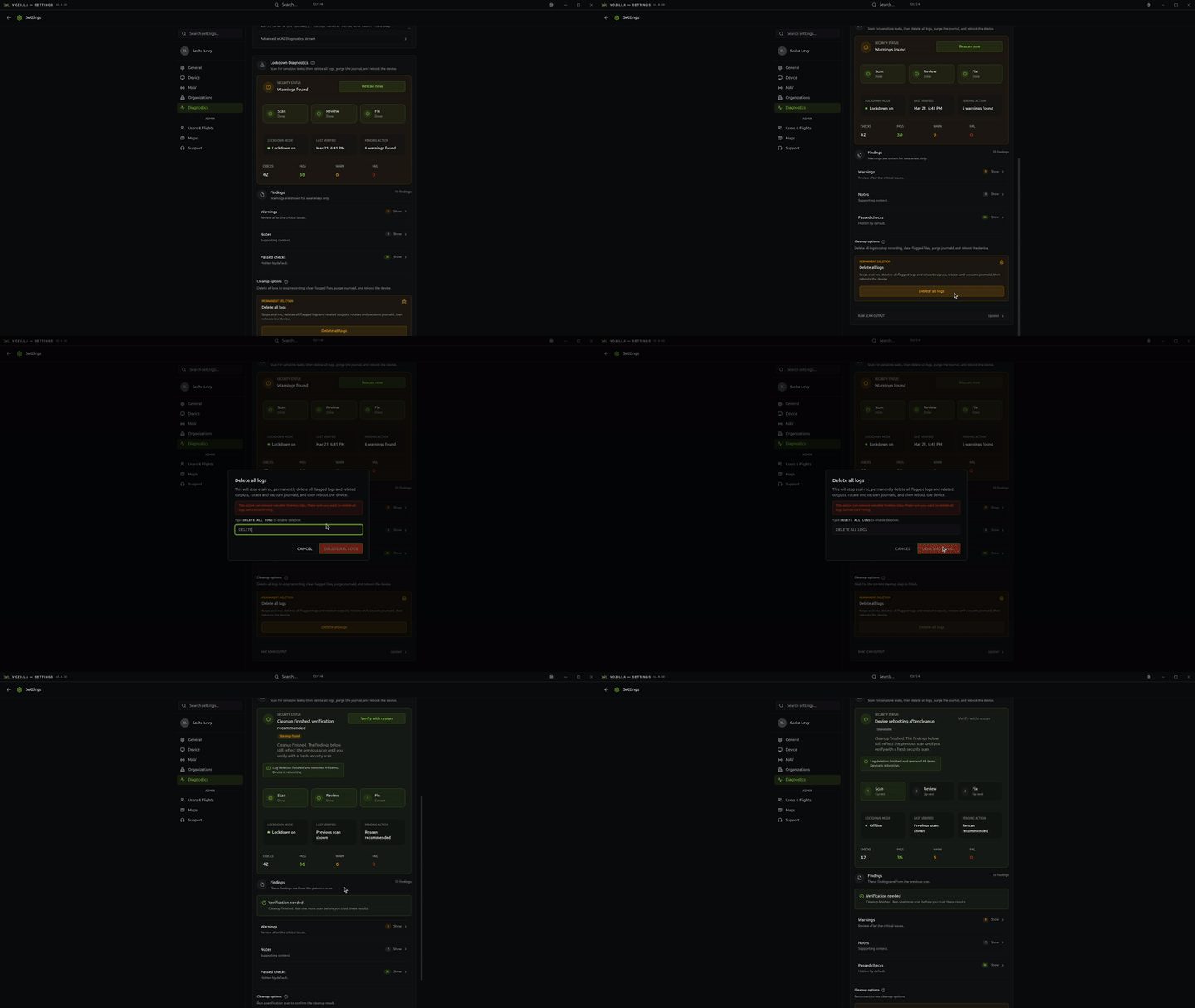
After running an audit, you may choose to delete plain text logs. This will ensure no sensitive information remains on your device.
{% hint style="info" %}
Updating Cyclops firmware will reset lockdown mode.
{% endhint %}