> For the complete documentation index, see [llms.txt](https://docs.theseus.us/llms.txt). Markdown versions of documentation pages are available by appending `.md` to page URLs; this page is available as [Markdown](https://docs.theseus.us/vozilla-gcs-software/vozilla-app/maps.md).
# Maps
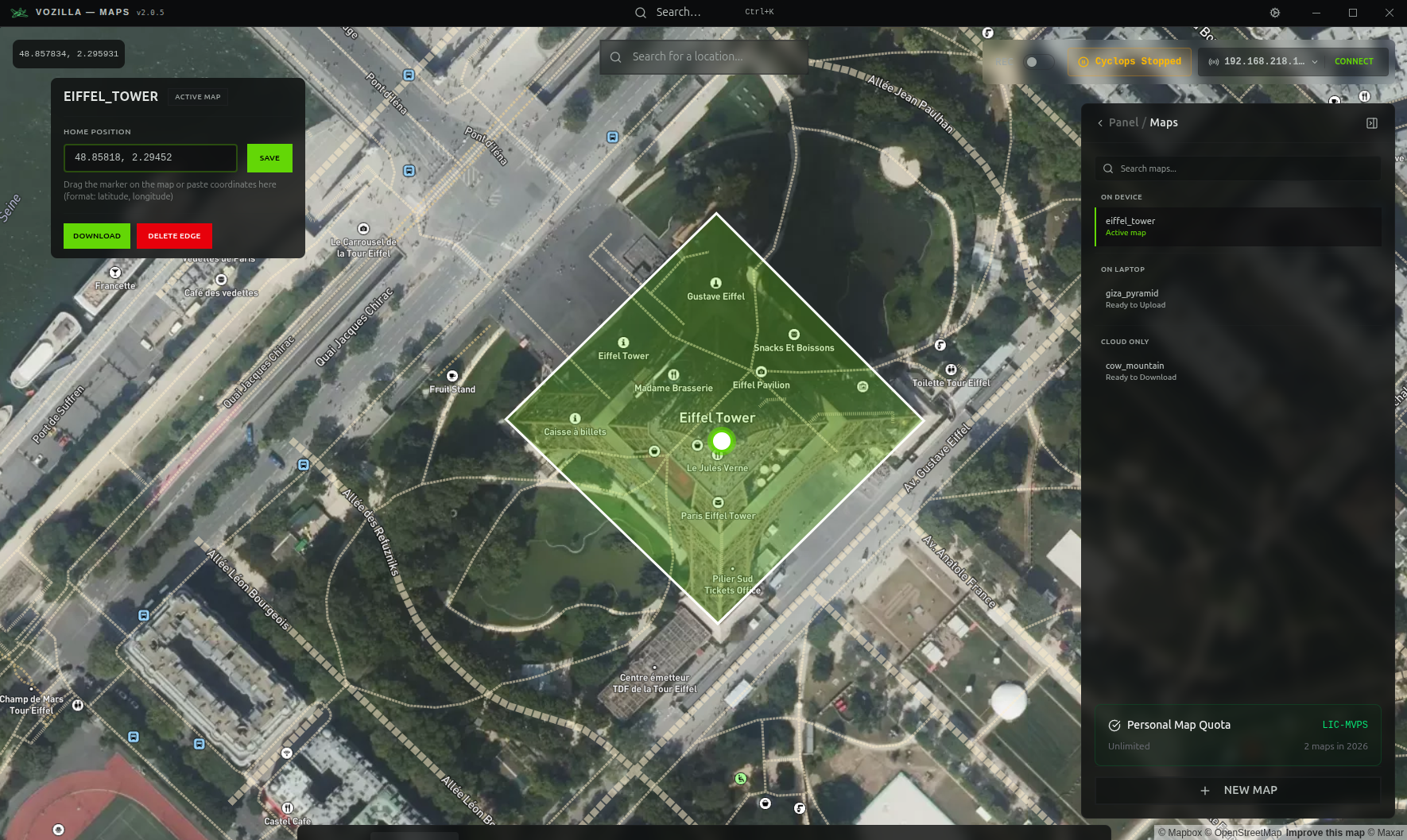
The Maps page allows you to generate and download new maps, as well as upload and manage maps on your edge device. This is also where you will set a map's home position where Cyclops will initialize during operation.
#### Why do I need this?
The Cyclops map matcher requires **pre-processed satellite imagery** of the mission area to localize during flight. The system can store up to 50,000 sq. km of map area for any mission (e.g. 20 km x 2500 km area).
{% hint style="info" %}
To learn more about Micro VPS, Cyclops and our map matching technology, visit the [Technology page on Theseus' website](https://www.theseus.us/technology).
{% endhint %}
## Map information
The file size of a processed map area is \~5-6MB per km2. **A 20,000 km****2**** would be around 100GB**. The time it takes to download a map depends on your internet speed. Large maps take a long time to generate and download and should be done well in advance of your flights.
Also note that **transferring amap to your edge device requires a high bandwidth connection**. Uploading the map over a radio link will be extremely slow and error-prone, and is not recommended.
Map files are generated with a buffer area around the selected boundary, so the true edges of the map will always be slightly outside the selected area. The percentage of the total map that is the buffer area depends on the size and shape of the map.
{% hint style="info" %}
If your operations require a larger map area, please contact the Theseus team for support.
{% endhint %}
{% hint style="warning" %}
**Maps should be generated and uploaded well before flying.**
{% endhint %}