> For the complete documentation index, see [llms.txt](https://docs.theseus.us/llms.txt). Markdown versions of documentation pages are available by appending `.md` to page URLs; this page is available as [Markdown](https://docs.theseus.us/vozilla-gcs-software/vozilla-app/vehicles/creating-a-vehicle-configuration.md).
# Creating a vehicle configuration
The vehicle configuration requires an accurate measurement of the following:
* the translation from camera to flight controller
* the camera rotation relative to the flight controller
Before creating a new configuration, read [Mounting your camera](/cyclops/uav-integration/mounting-your-camera.md) for tips on how to properly mount your Cyclops camera on your airframe.
{% hint style="info" %}
If a Theseus system is connected to Vozilla, your new vehicle config will automatically be uploaded and set as active on your device. Otherwise, it will be saved locally.
{% endhint %}
{% stepper %}
{% step %}
### Creating a new vehicle configuration
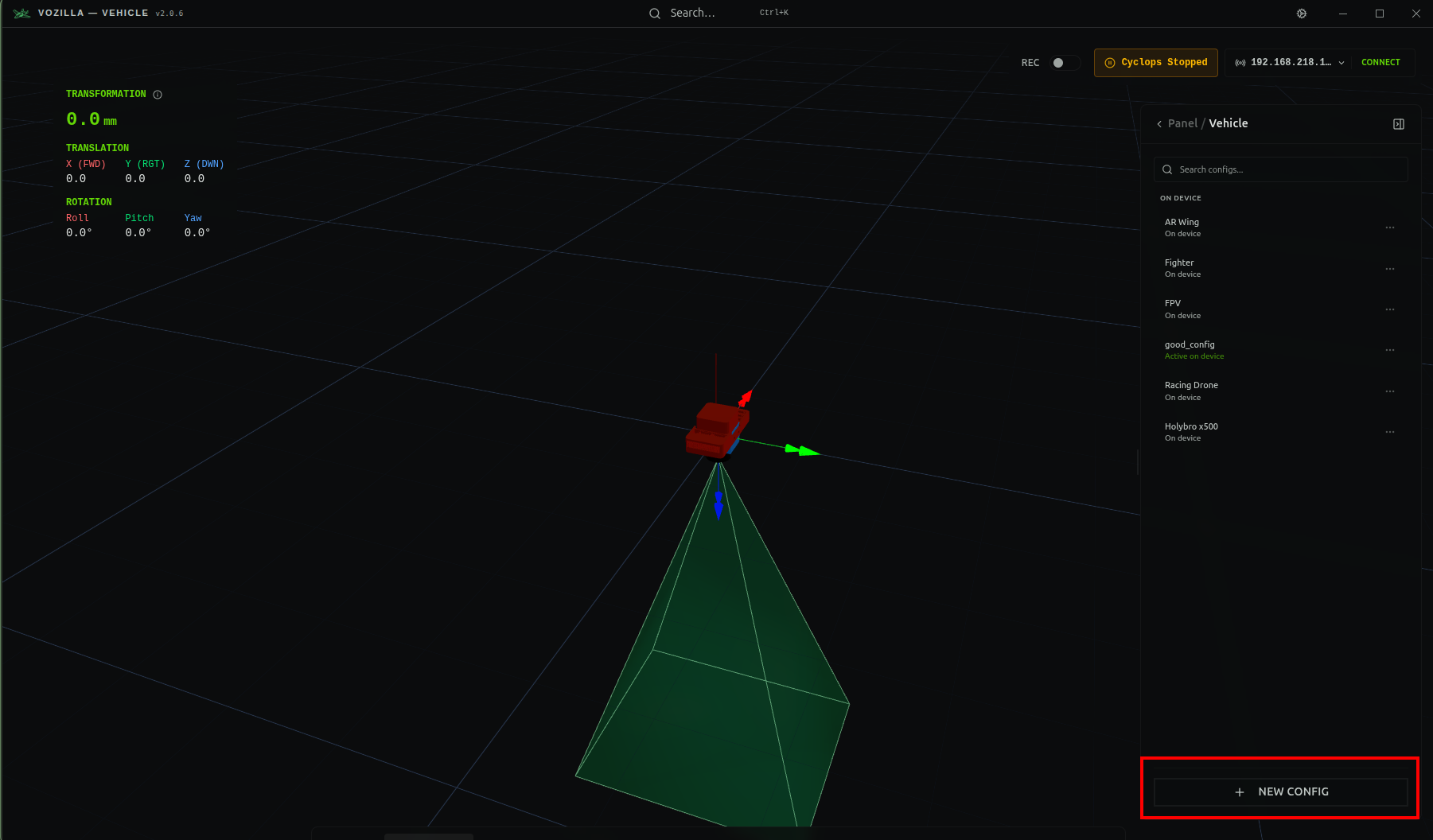
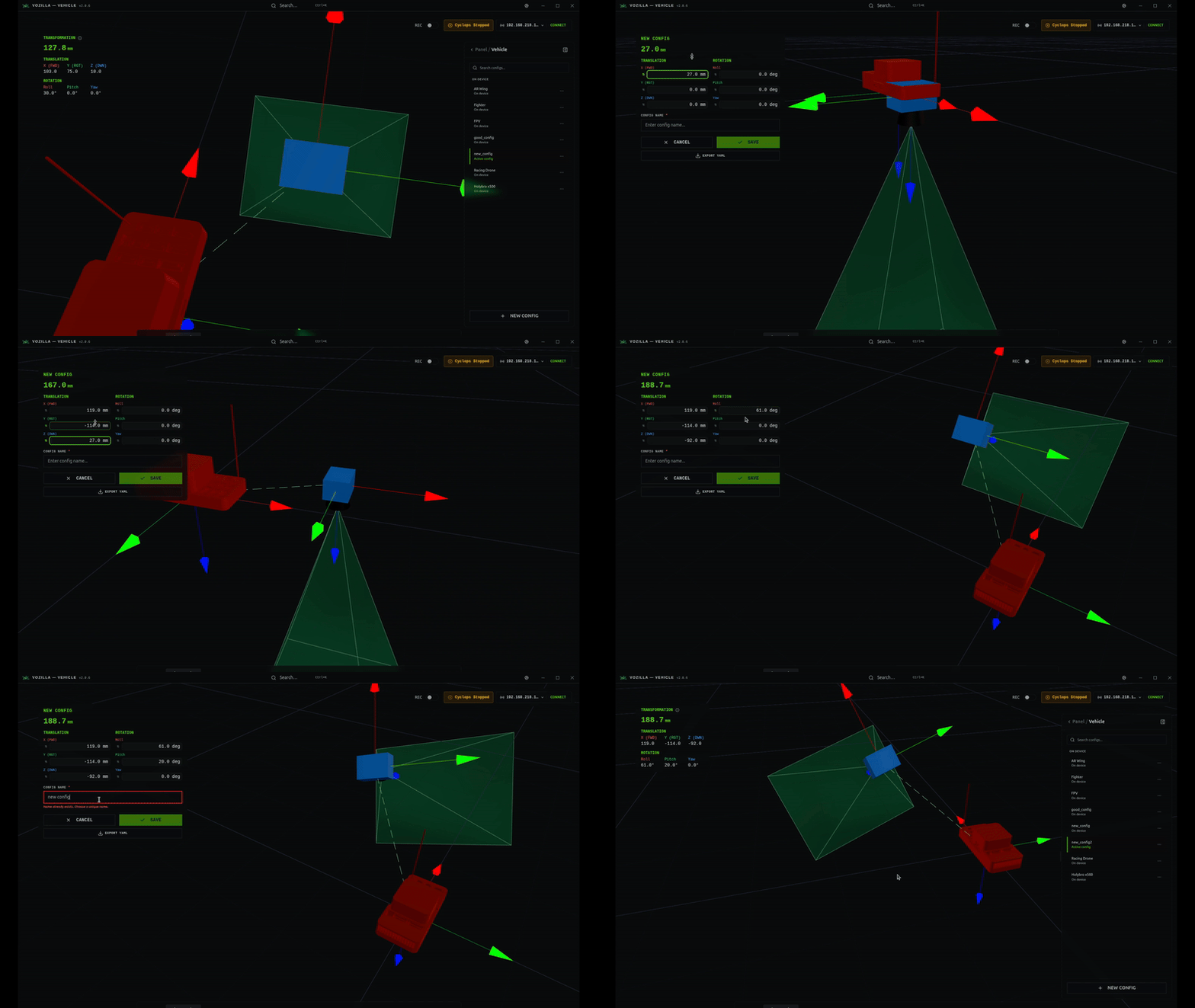
Click the **+ NEW CONFIG** button at the bottom of your Vehicle Panel to start creating a custom configuration. Enter a distinct name for your config. We recommend including the camera and airframe in the name.
{% endstep %}
{% step %}
### Input translation and rotation
Follow the steps in [Vehicle configuration](/cyclops/uav-integration/vehicle-configuration.md) to get an accurate measurement of your transformation. Then enter the translation and rotation values in the top left card. Click **SAVE** to create the configuration.
{% endstep %}
{% endstepper %}